Best ergonomic office chairs
Updated June 2026Independently researchedNo paid placement.
The Herman Miller Aeron is our top pick for the best ergonomic office chair because it adjusts to nearly any body and delivers exceptional long-term comfort.
The Steelcase Leap V2 is best for those with back pain, the Steelcase Gesture suits premium shoppers who want maximum adjustability, and the Herman Miller Sayl offers great design at a more accessible price.
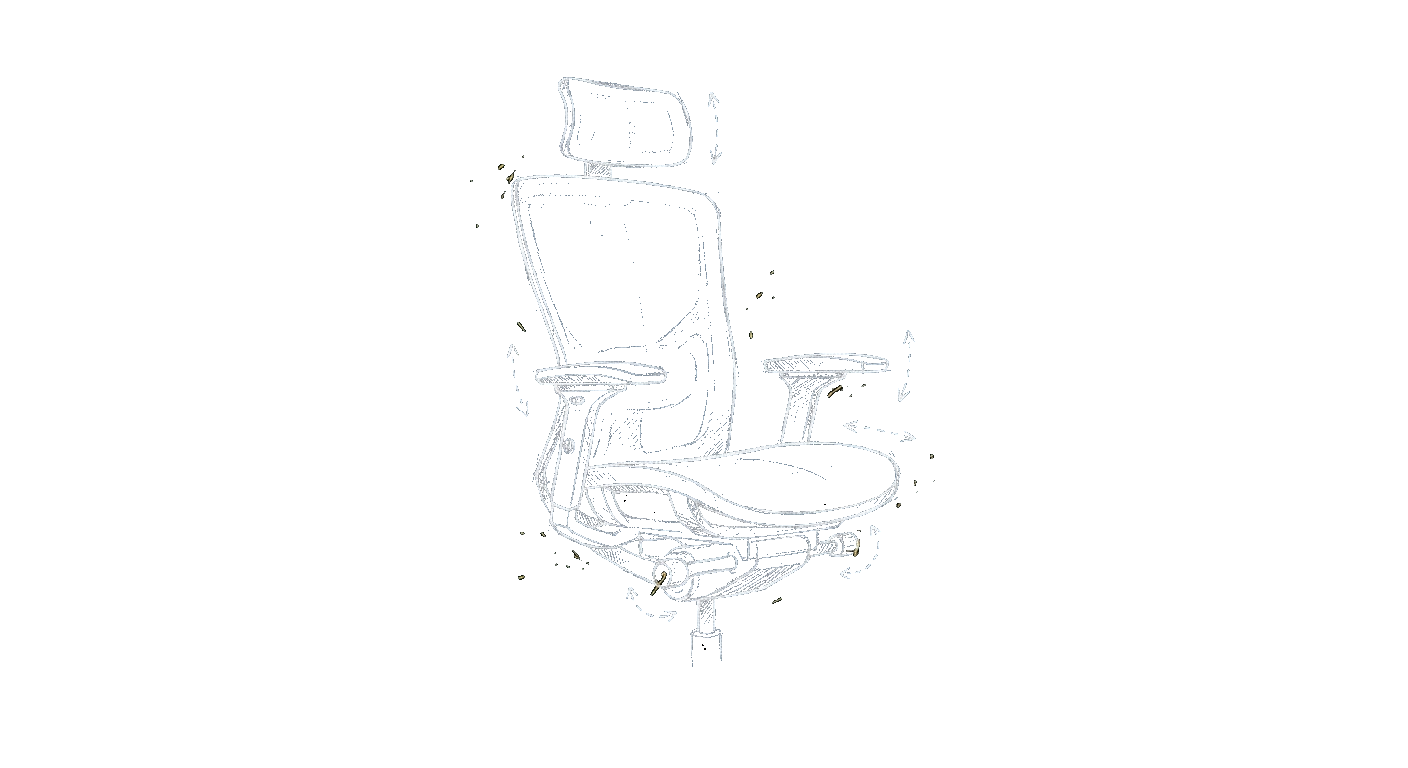
Sitting at a desk for hours strains your spine, hips, and shoulders. A well-designed ergonomic chair supports your natural posture, reduces pressure points, and keeps you comfortable through a full workday. The chairs here have proven track records for build quality and adjustability, so you can dial in lumbar support, arm height, seat depth, and tilt to fit your body. The best ergonomic office chairs aren’t cheap, but they’re investments that can prevent pain and boost productivity. We’ve researched current owner feedback and expert reviews to highlight models that excel in different areas, from all-day sitting to targeted back support to sleek looks that don’t sacrifice function.
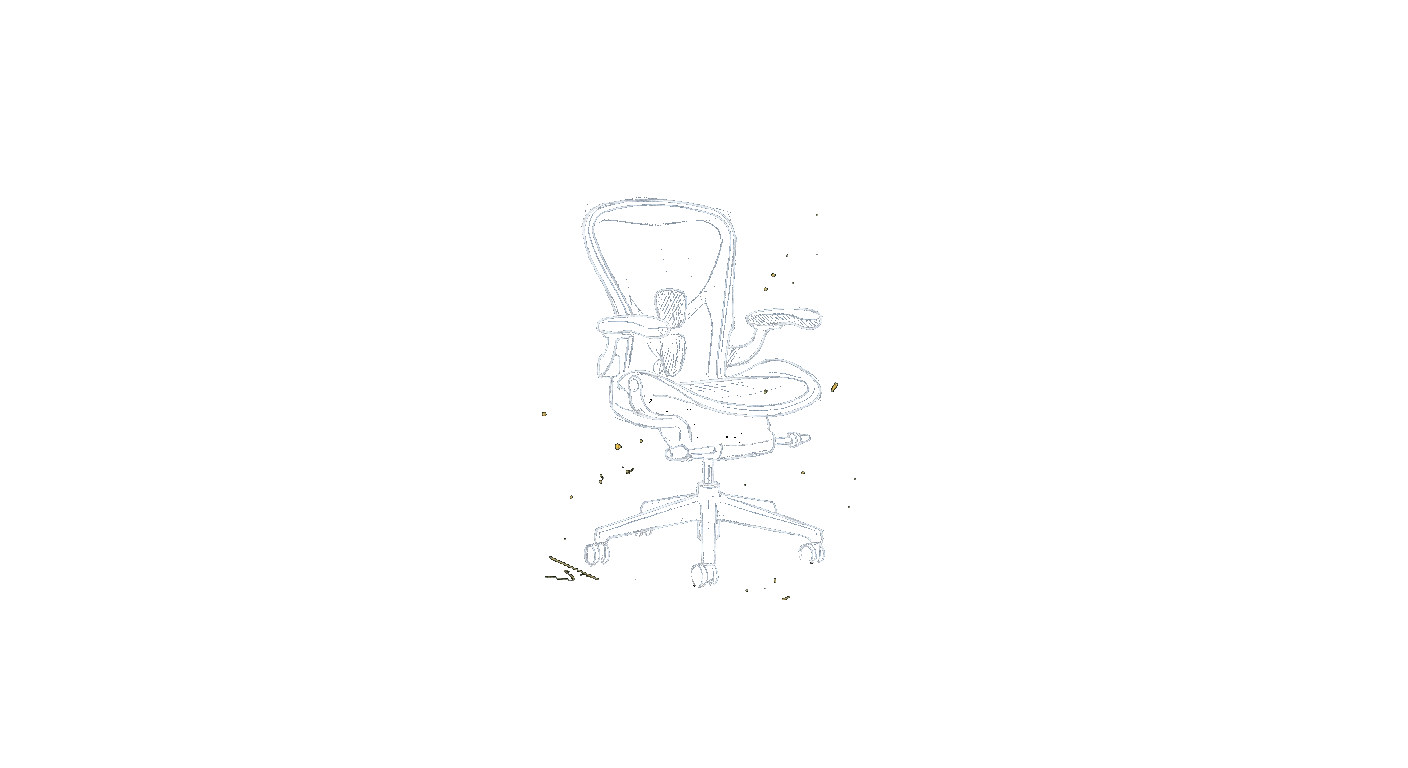
Herman Miller Aeron
the do-it-all default
4.8out of 5The Aeron remains a gold standard for ergonomic seating. Its Pellicle mesh breathes well and distributes weight evenly, and the three size options mean a better fit for more people. Adjustability is thorough, though the lack of a headrest and the premium price are real trade-offs.
Price range: $$$$
Check price on Amazon →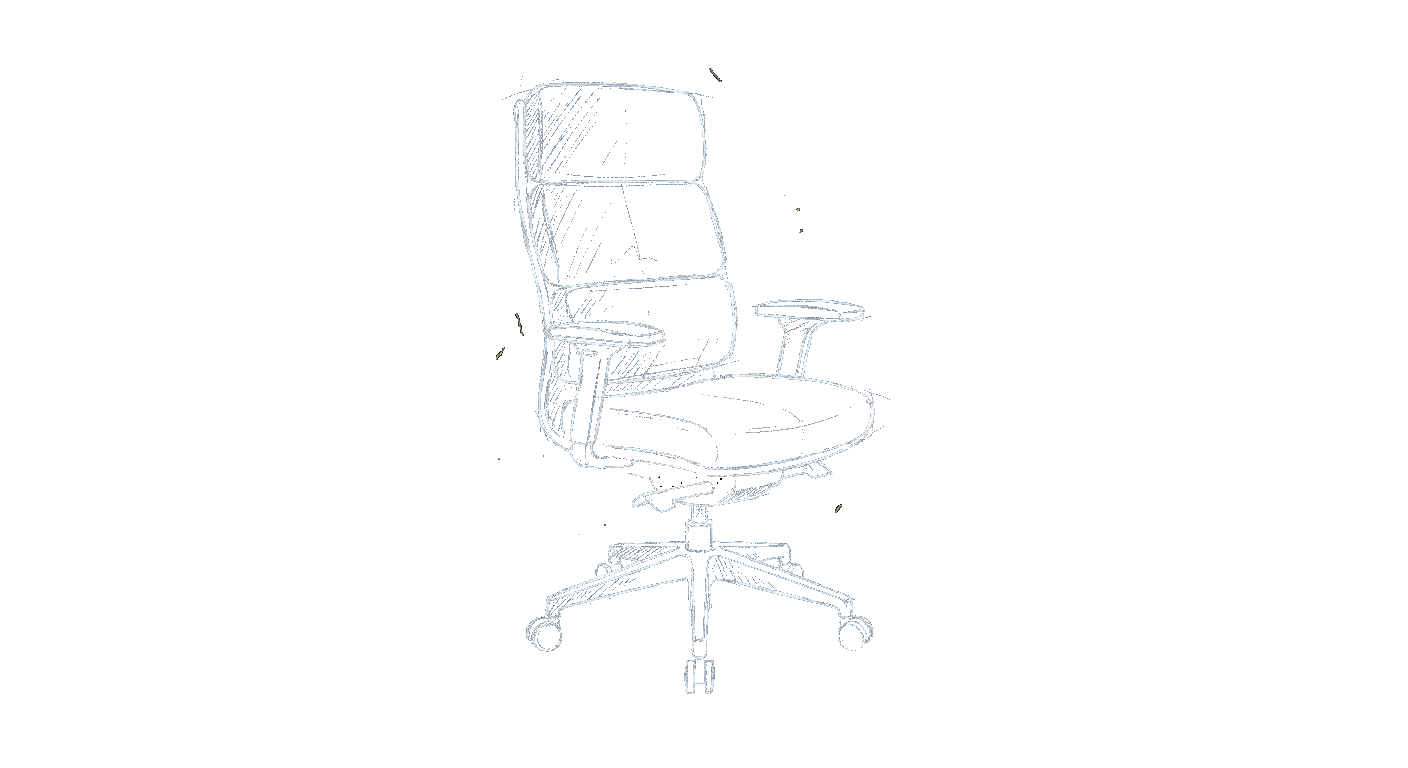
Steelcase Leap V2
the back-pain specialist
4.7out of 5The Leap V2 shines in lumbar support. Its independently adjustable lower-back curve and flexible backrest follow your spine’s natural movement. It’s less flashy than some competitors but more targeted for people with chronic back discomfort.
Price range: $$$
Check price on Amazon →Steelcase Gesture
the arm-and-posture champ
4.6out of 5The Gesture is built for movement. Its arms adjust in nearly every direction, height, width, depth, and angle, making it ideal for varied tasks like typing, tablet work, or reclining. The backrest mimics your spine’s motion well, but the firm seat cushion divides opinion.
Price range: $$$$
Check price on Amazon →| Award | Model | Our score | Price | Best for | |
|---|---|---|---|---|---|
| Best overall | Herman Miller Aeron | 4.8 / 5 | $$$$ | Anyone who sits 6+ hours daily and wants a proven, durable chair that adapts to their body | Check price → |
| Runner-up | Steelcase Leap V2 | 4.7 / 5 | $$$ | People with lower-back pain who need a chair that supports the spine’s natural S-curve. | Check price → |
| Best value | Steelcase Gesture | 4.6 / 5 | $$$$ | Multi-device users who change sitting positions often and want the most adjustable armrest | Check price → |
| Best design value | Herman Miller Sayl | 4.3 / 5 | $$ | Buyers who want a stylish, quality chair from a top brand without spending flagship money. | Check price → |
The picks in detail
1. Herman Miller Aeron: the do-it-all default
Best overallThe Aeron remains a gold standard for ergonomic seating. Its Pellicle mesh breathes well and distributes weight evenly, and the three size options mean a better fit for more people. Adjustability is thorough, though the lack of a headrest and the premium price are real trade-offs.
Pros
- Excellent breathable mesh that doesn’t trap heat
- Three sizes to suit different heights and weights
- Rock-solid build quality with a 12-year warranty
- Intuitive PostureFit SL lumbar support
Cons
- No headrest and no option to add one from the factory
- Very expensive even compared to other high-end chairs
- Seat edge can feel firm for some users after hours
Who it’s for
Anyone who sits 6+ hours daily and wants a proven, durable chair that adapts to their body.Who should skip it
You need a headrest for reclining or prefer a cushioned seat over mesh.2. Steelcase Leap V2: the back-pain specialist
Runner-upThe Leap V2 shines in lumbar support. Its independently adjustable lower-back curve and flexible backrest follow your spine’s natural movement. It’s less flashy than some competitors but more targeted for people with chronic back discomfort.
Pros
- Outstanding customizable lumbar support that moves with you
- Seat cushion that resists sagging over years of use
- Narrower backrest suits smaller frames well
- Good range of seat-depth adjustment
Cons
- Armrests feel a bit plasticky and can loosen over time
- Upholstery options are less varied than some rivals
- Backrest tension control can be tricky to fine-tune
Who it’s for
People with lower-back pain who need a chair that supports the spine’s natural S-curve.Who should skip it
You want a mesh back for airflow or a taller backrest for full shoulder support.3. Steelcase Gesture: the arm-and-posture champ
Best valueThe Gesture is built for movement. Its arms adjust in nearly every direction, height, width, depth, and angle, making it ideal for varied tasks like typing, tablet work, or reclining. The backrest mimics your spine’s motion well, but the firm seat cushion divides opinion.
Pros
- Unmatched armrest adjustability for any task or device
- Smooth, seamless recline that keeps your feet flat
- Core seat depth and width fit a broad range of body types
- Premium materials and a sleek, modern look
Cons
- Seat padding is firm and may feel too hard for lighter users
- Very pricey, often costing as much as an Aeron
- No breathable mesh option (only upholstered back)
Who it’s for
Multi-device users who change sitting positions often and want the most adjustable armrests on the market.Who should skip it
You need a plush, soft seat or prefer a mesh back for hot environments.4. Herman Miller Sayl: the design-forward value
Best design valueThe Sayl brings Herman Miller’s design ethos to a lower price point without cutting corners on ergonomics. Its suspension back offers surprising support and airflow, making it a great option for style-conscious shoppers. However, it lacks some high-end adjustments like adjustable lumbar depth.
Pros
- Striking, modern design that stands out in any office
- Breathable back support with good tension for the price
- Lightweight and relatively easy to move
- More affordable than most Herman Miller chairs
Cons
- No adjustable lumbar support (fixed curve)
- Seat cushion is thinner and may bottom out for heavier users
- Fewer size options than the Aeron
Who it’s for
Buyers who want a stylish, quality chair from a top brand without spending flagship money.Who should skip it
You need deep lumbar adjustability or have a larger build that requires more seat cushion.Best for specific needs
Best for all-day sitting comfort
The Herman Miller Aeron’s mesh design eliminates overheating and pressure points over eight-hour shifts. Its three sizes and extensive tilt adjustments make it the most reliable choice for uninterrupted workdays. If you sit from morning to evening, this is the chair to beat. Our pick: Herman Miller Aeron.
Best for lower back support
The Steelcase Leap V2’s independent lumbar adjustment and LiveBack technology cradle the spine’s natural curve. It’s the go-to for anyone with existing back issues or a desire to prevent them. Owners consistently report reduced pain after switching to this chair. Our pick: Steelcase Leap V2.
Best for small spaces and tight budgets
The Herman Miller Sayl packs serious ergonomics into a compact, visually light frame. It’s ideal for home offices or rooms where a bulky chair would feel overwhelming. At a lower price point than many premium models, it delivers genuine value without sacrificing brand quality. Our pick: Herman Miller Sayl.
Our verdict
Choosing the right ergonomic chair comes down to your body type, pain points, and budget. The Herman Miller Aeron is our top recommendation for most people because it balances adjustability, durability, and all-day comfort. If you have specific back issues, the Steelcase Leap V2 is a worthy alternative, and if style matters as much as support, the Herman Miller Sayl punches above its price. Whichever you pick, investing in a quality chair now pays dividends in health and focus for years to come.
Frequently asked questions
What makes a chair truly ergonomic?
Adjustability that lets the chair fit your body rather than forcing your body to fit it: seat height and depth, adjustable lumbar support, multi-position armrests, and a tilt mechanism that supports movement. The word gets used loosely in marketing, so look for the actual range of adjustments, not just the label.
How many adjustment points should an ergonomic chair have?
The essentials are seat height, seat depth, lumbar height or depth, armrest height, and recline tension, roughly five core adjustments. Higher-end chairs add armrest width and angle, headrest, and seat-angle tilt. More isn’t automatically better; what matters is that the adjustments you’ll actually use fit you well.
What is synchro-tilt and do I need it?
Synchro-tilt reclines the backrest and seat together at a set ratio so your posture stays supported as you lean back, keeping your feet planted. It encourages healthy movement through the day and is a worthwhile feature on a chair you’ll sit in for hours, though not strictly essential for light use.
Are ergonomic chairs worth it if I sit all day?
If you sit for full workdays, an adjustable ergonomic chair is one of the highest-value upgrades you can make, it directly affects comfort, posture, and how you feel by late afternoon. The cost spread over years of daily use is small compared with the difference it makes to long sitting sessions.
How do I know if a chair fits my body size?
Check the seat width and depth against your hips and thigh length, the backrest height against your torso, and the weight rating against your own with margin to spare. Taller and larger users especially should confirm the seat is deep and wide enough; some chairs offer size variants for exactly this reason.